Play Block World Online Free
Explore a procedurally generated grid and build unique voxel structures.
Loading game...
About Block World
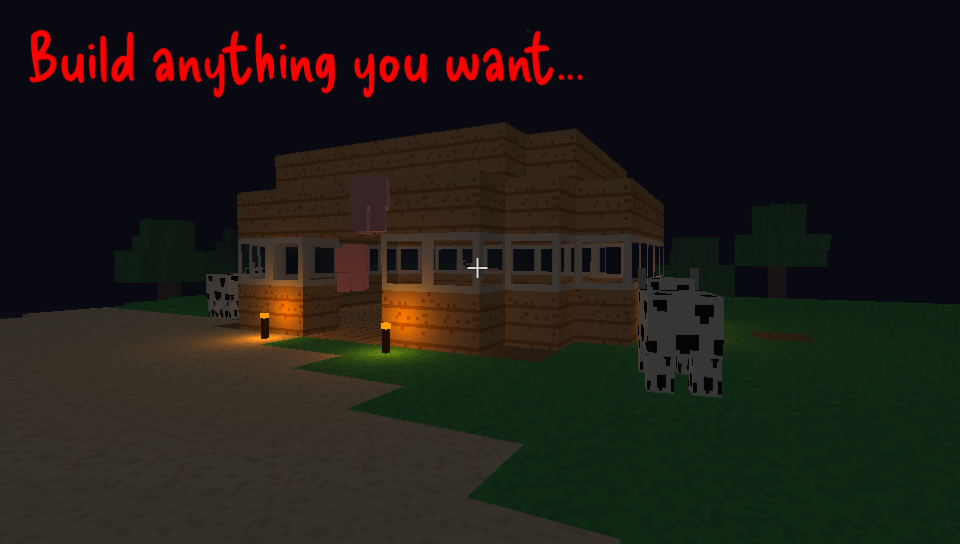
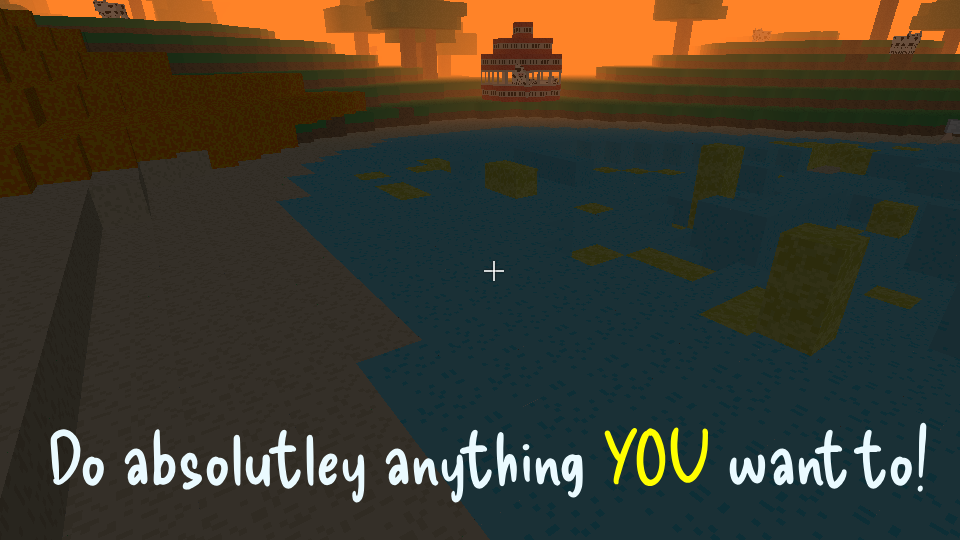
Welcome to Block World, a three-dimensional block-building game where you can explore and design your own virtual spaces! You can navigate a procedurally generated map, build large structures using a variety of materials, and populate your world with passive animals. There are no linear storylines or strict goals, so you are free to focus entirely on building and designing at your own pace.
The game features two distinct ways to interact with the environment:
- Creative Building: Use the block palette to select from twenty-four different materials and place them on the grid using simple hotbar controls.
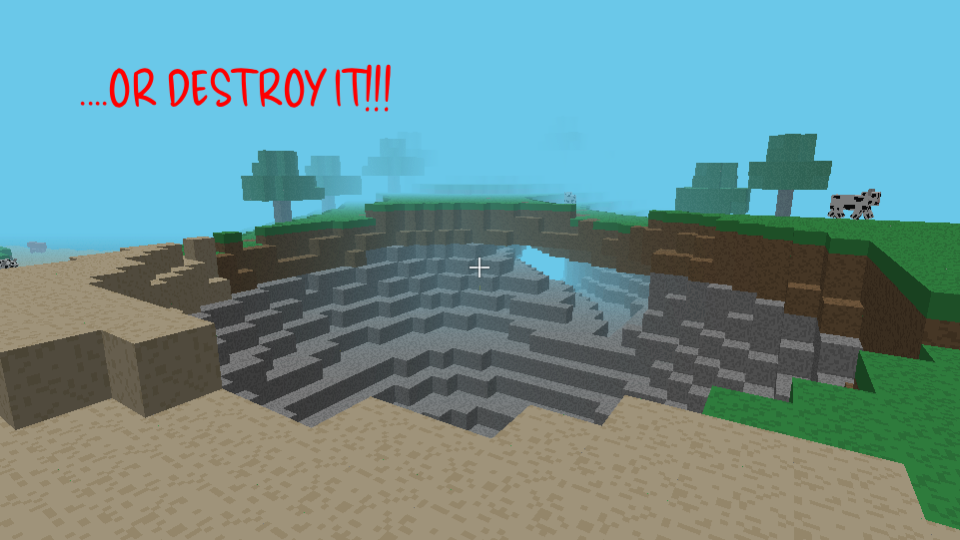
- Explosive Demolition: Equip magic wands or bombs to quickly clear out large sections of terrain and make space for your foundations.
You can walk around using WASD keys, jump over obstacles by pressing Space, and sprint by holding down the Shift key. Tap the E key to open your block inventory and start mapping out your designs!
How to Play
Navigate World
Use the WASD keys to walk around, press Space to jump over obstacles, and hold Shift to sprint.
Mine Blocks
Point your crosshair at any block in the world and hold Left Click to break it and harvest materials.
Place Blocks
Select a block from your hotbar using keys 1-8 and Right Click on any surface to place it.
Manage Inventory
Press E to open the block palette, then click blocks to assign them to your hotbar.
Sprint Jumping
Hold Shift while jumping forward to cross wide vertical gaps and scale steep hills quickly.
Liquid Safety
Avoid walking directly into orange lava blocks because they will deal damage and block your path.
Creative Palette
Open the block palette with the E key regularly to refresh your hotbar with spawn eggs or bricks.
Block World Player Handbook
Welcome to Block World, a fun 3D voxel sandbox building game where you can shape the landscape block by block! This guide will help you understand the game coordinates, physics, and construction strategies to make your builds look amazing.
Building in a grid-based world can feel tricky at first when you are trying to make structures look realistic. Let us look at how the game handles coordinates, movement, and demolition to help you plan your next project.
1. How the Voxel Grid Works
Block World brings a browser-friendly version of 3D voxel games to your screen. The engine works by dividing the map into a massive grid of coordinates where each space holds a single block type.
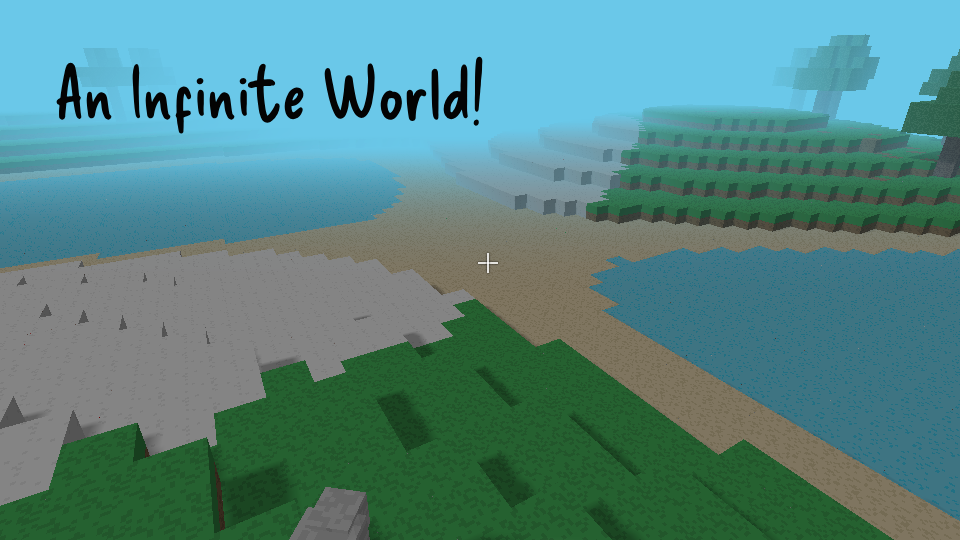
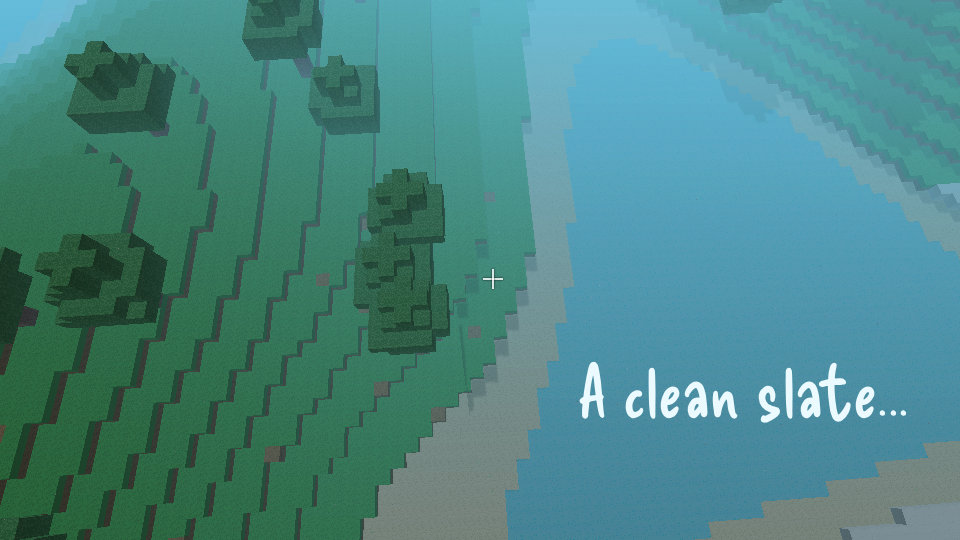
The landscape is generated dynamically using noise formulas that calculate height values to create hills and valleys as you explore. This means you will find a natural variety of mountains, sandy beaches, and flat plains in your world.
To keep the game running smoothly in your browser, the code only renders the block faces that you can actually see. Hidden faces that are covered by other blocks are automatically culled to reduce the workload on your computer.
The coordinate grid uses standard grid positions to make placing and breaking blocks incredibly simple. Every action you take is aligned to this invisible structure, so blocks will always snap perfectly into place next to each other.
When you break a block, the game updates the surrounding coordinate data and recalculates the mesh graphics instantly. This live update system ensures that holes and new structures appear on your screen without any delay.
Because the game is built using Three.js inside your browser window, it manages memory carefully to prevent lag. Only the chunks of terrain near your character are active in the rendering scene at any given moment.
Empty air coordinates are treated as zero values in the game data, telling the engine to skip drawing them. This simple optimization allows you to dig massive cavern spaces without slowing down the frame rate.
Learning how this grid is set up helps you organize your building space and calculate sizes. You can count the grid cells to build walls of matching lengths and align your structures perfectly.
2. Movement Physics and Coordinates
The world map is split into vertical segments called chunks that measure sixteen blocks wide by sixteen blocks long. The engine loads and unloads these chunks as you move, keeping the active area centered around your character.
Your character moves through this space using standard physics equations to simulate gravity and momentum. Solid blocks act as barriers that stop your movement vectors whenever your character collision box touches them.
Water and lava blocks behave as liquid cells that spread horizontally and flow downward into empty spaces. While water lets you swim up by holding Space, lava block contact acts as a solid barrier that blocks your movement.
You can track your exact position in the world by checking the X, Y, and Z coordinates on your screen HUD. The X and Z coordinates show your flat horizontal location, while the Y value shows your height altitude.
Gravity pulls your character downward at a steady rate whenever you walk off a ledge or jump. The code caps your falling speed to keep your movement predictable when dropping from tall heights.
Holding the Shift key lets you sprint, which increases your horizontal walking speed by about fifty percent. Sprinting is perfect for traveling across large distances or leaping over wide gaps in the terrain.
Pressing the C key lets you crouch, which lowers your eye level and slows down your movement speed. Crouching shrinks your collision height, making it easier to walk through low openings.
The terrain engine uses seed numbers to ensure that the landscape generates consistently whenever you explore. This mathematical consistency means that chunk borders blend together seamlessly without any messy graphical cuts.
Liquid updates run on a short delay timer to keep the game running smoothly without locking up your browser. When a liquid block moves, it schedules checks for the six blocks directly touching its faces.
3. Placing and Interacting with Blocks
To place a block, the game projects an invisible line called a raycast from your screen crosshair into the world. The physics code finds the exact block you are looking at and calculates which face is highlighted.
Right-clicking adds a new block to the coordinates directly adjacent to the face you highlighted. This placement calculation ensures that your blocks stack cleanly on top of walls or against side faces.
Pressing the E key opens up the block palette screen, which lists all twenty-four blocks available in the game. You can click on any block in this menu to place it onto your active hotbar slot.
Spawn eggs are special items that generate animal entities like pigs, cows, sheep, or chickens. Right-clicking with an egg generates a wandering creature that responds to gravity and block collisions.
Torches act as bright light sources that project a warm orange glow across a fifteen-block radius. The game instantiates a physical light source at the torch coordinate to illuminate your builds at night.
Left-clicking with your mouse breaks blocks and replaces their coordinates with empty air data. This action instantly updates the graphics for that chunk so you can see the hole you just dug.
The iron sword is a handy tool that lets you hit spawned animals to move them or clear them away. The sword deals double damage compared to bare hands, which helps you manage your farm areas quickly.
The magic wand is a fun weapon that shoots cyan energy spheres that fly along your camera line of sight. These projectiles move at thirty blocks per second and cause a small localized explosion when they hit a wall.
Bomb blocks can be placed and ignited with the flint tool to clear out large areas of land quickly. The bomb flashes red and white during a three-second fuse before exploding and removing surrounding blocks.
4. Voxel Architecture and Design Principles
Odd-Numbered Symmetry
Try building your houses using odd-numbered block widths like five, seven, or nine blocks across. This layout gives you a single, centered block that is perfect for double doors or central roof peaks.
Depth Recessing
Push your walls backward by one block relative to the main corner pillars of your building. This simple offset creates clean shadows that break up flat surfaces and make your walls look detailed.
Palette Contrasting
Combine contrasting block textures to separate different sections of your structure. Using dark wood blocks for your walls and light cobblestone for your foundation creates clean borders that look great.
Negative Space
Leave empty gaps in your builds to create arches, windows, and open balconies. This technique reduces block clutter and allows torch light to spread beautifully through your rooms.
Foundation Leveling
Clear away the topsoil grass and dirt blocks down to the stone layer before you start building your walls. A level stone foundation prevents gaps under your structures and makes laying out your walls much easier.
Window Insets
Place transparent glass blocks into recessed wall frames to build functional windows. This window detail adds depth to the exterior of your house and helps define different indoor rooms.
Scaffold Construction
Stack cheap, temporary blocks like dirt or sand to elevate your position for high-altitude building. These temporary scaffolding towers are easy to mine away once your roof or towers are finished.
Chain-Reaction Blasting
Space multiple bomb blocks close together if you need to clear out a large hillside or dig a basement. The explosion of the first bomb will chain-react and detonate the others to clear the grid in seconds.